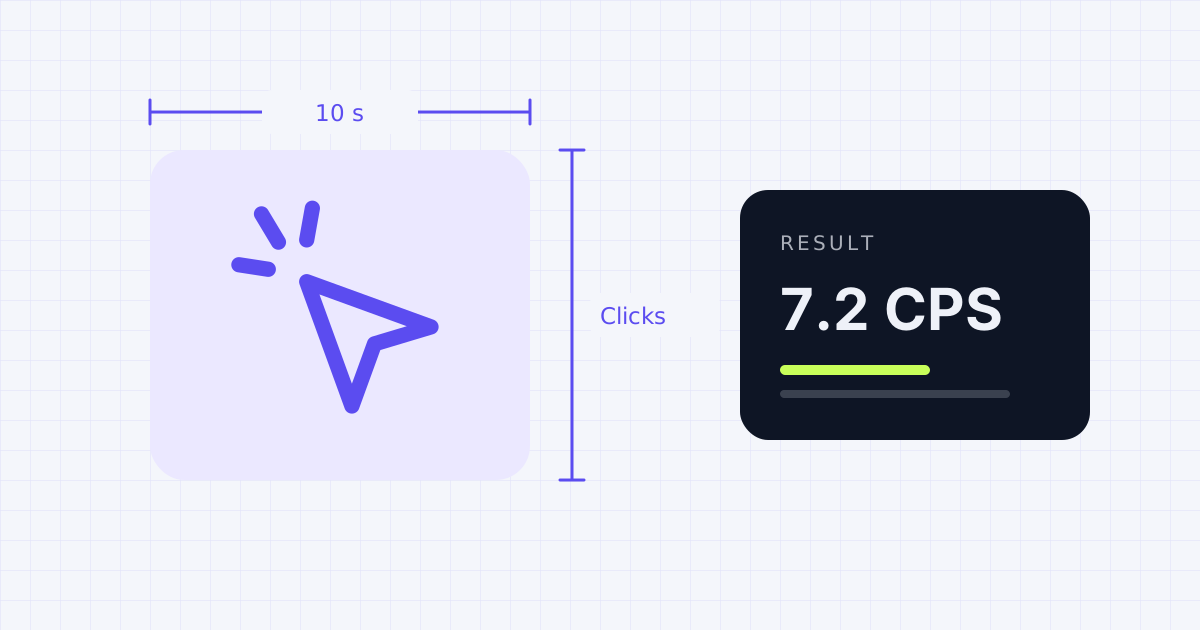
How the CPS test works
CPS stands for clicks per second. Choose a test length, then start clicking in the box. The timer begins on your first click, counts every click until time runs out, and divides the total by the number of seconds.
Shorter tests reward pure speed. Longer tests show how well you can keep a pace going, which is closer to what matters in games.
What's a good click speed?
| CPS | What it means |
|---|---|
| Under 5 | Relaxed, everyday clicking |
| 5 to 7 | Average for most people |
| 8 to 10 | Fast, typical of regular gamers |
| 11 and up | Very fast, usually with a special technique |
These ranges are rough guides, not official ratings. Your mouse, your hand position and the test length all change the score.
Ways to click faster
- Rest your wrist and click with your fingertip, not your whole hand.
- Jitter clicking tenses the forearm to make fast vibrations. It's quick but tiring, so take breaks.
- Butterfly clicking alternates two fingers on one button.
- Stop if your hand or wrist hurts. Speed isn't worth a strain.
Test your reflexes next with the reaction time test, or check your mouse for faults with the mouse test.
Frequently asked questions
What is the average clicks per second?
Most people land between 5 and 7 clicks per second in a 10-second test.
Is a 5 or 10 second test better?
Use 5 seconds to measure top speed and 10 seconds or more to measure speed you can keep up. Many people compare scores on the 10-second test.
Does my mouse affect my CPS?
Yes. Light, responsive switches help. A worn mouse that double-clicks can make your score look higher than your real speed, so check it with the mouse test.
Is my best score saved?
Your best score for each test length is saved in your browser on this device only. Clearing browser data removes it.
Results depend on your device, browser and settings. Nothing you test on this page is uploaded or stored.
Spotted a mistake? Email [email protected] and we'll check it.