How the webcam test works
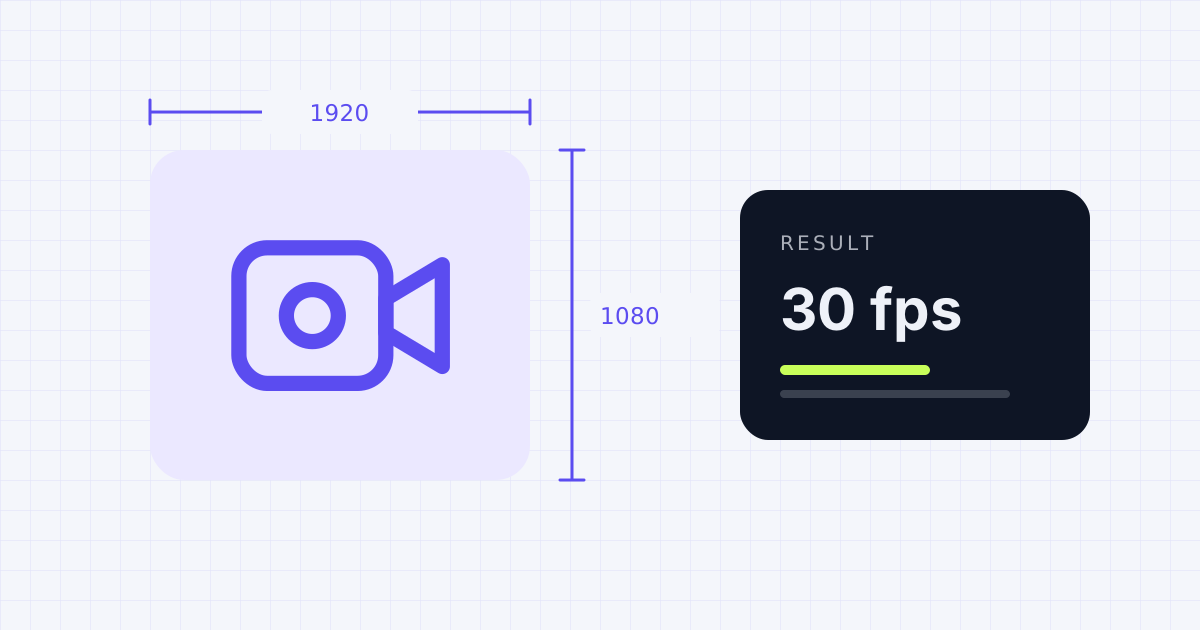
When you press Start, your browser asks to use the camera. Once you allow it, the live picture appears. The tool asks the camera for the highest quality it can give, up to 1080p, then reads back what the camera actually delivered.
That second part matters. A camera sold as "1080p" can still send 720p if it's plugged into a slow USB port, if another app already has it open, or if the lighting is poor and the driver lowers the frame rate to let in more light.
Reading your results
- Resolution: 1280 × 720 is HD, 1920 × 1080 is Full HD. Most video calls send 720p anyway, so either is fine for meetings.
- Frame rate: 30 fps looks smooth. If you see 15 fps or lower, add light to the room. Webcams slow down in dim rooms.
- Device: the camera the browser is using. Switch cameras from the list if you have more than one.
Webcam not showing? Common fixes
- Close other apps. Only one program can use a webcam at a time on many systems. Quit Zoom, Teams or the camera app and try again.
- Allow camera access. Click the lock icon in the address bar and set Camera to Allow.
- Check privacy settings. On Windows, open Settings, then Privacy & security, then Camera. On a Mac, check System Settings, then Privacy & Security, then Camera.
- Look for a privacy shutter. Many laptops have a small slider over the lens or a camera key on the keyboard.
Getting ready for a call? Run the mic test and the speaker test too.
Frequently asked questions
Does this webcam test record or upload video?
No. The video is shown only on your screen. Nothing is recorded, saved or sent anywhere unless you click Save snapshot, which saves a picture straight to your own device.
Why is my webcam resolution lower than advertised?
The camera may be on a slow USB port or hub, another app may be limiting it, or the browser may be choosing a lower mode. Try a USB port directly on the computer and close other video apps.
Why is my webcam frame rate low?
Low light is the most common cause. Many webcams lower their frame rate to collect more light. Turn on a lamp facing you and test again.
Can I test an external or USB webcam?
Yes. Plug it in, press Start, and pick it from the Camera list.
Sources
- Microsoft Support: Camera doesn't work in Windows
- Apple Support: Control access to your camera and microphone on Mac
- MDN Web Docs: MediaStreamTrack.getSettings()
Results depend on your device, browser and settings. Nothing you test on this page is uploaded or stored.
Spotted a mistake? Email [email protected] and we'll check it.